
Laptop Battery
My laptop is nearing a decade old and it has been in sore need of some care. To do this I bought a replacement battery and a laptop cleaning set from iFixit.
I started by cleaning the laptop using the kit, the cleaning spray work well as it lifted the gunk off easily and the microfibre cloth made the screen look like new. I haven’t included any images because I am embarrassed at how bad I let the machine get.
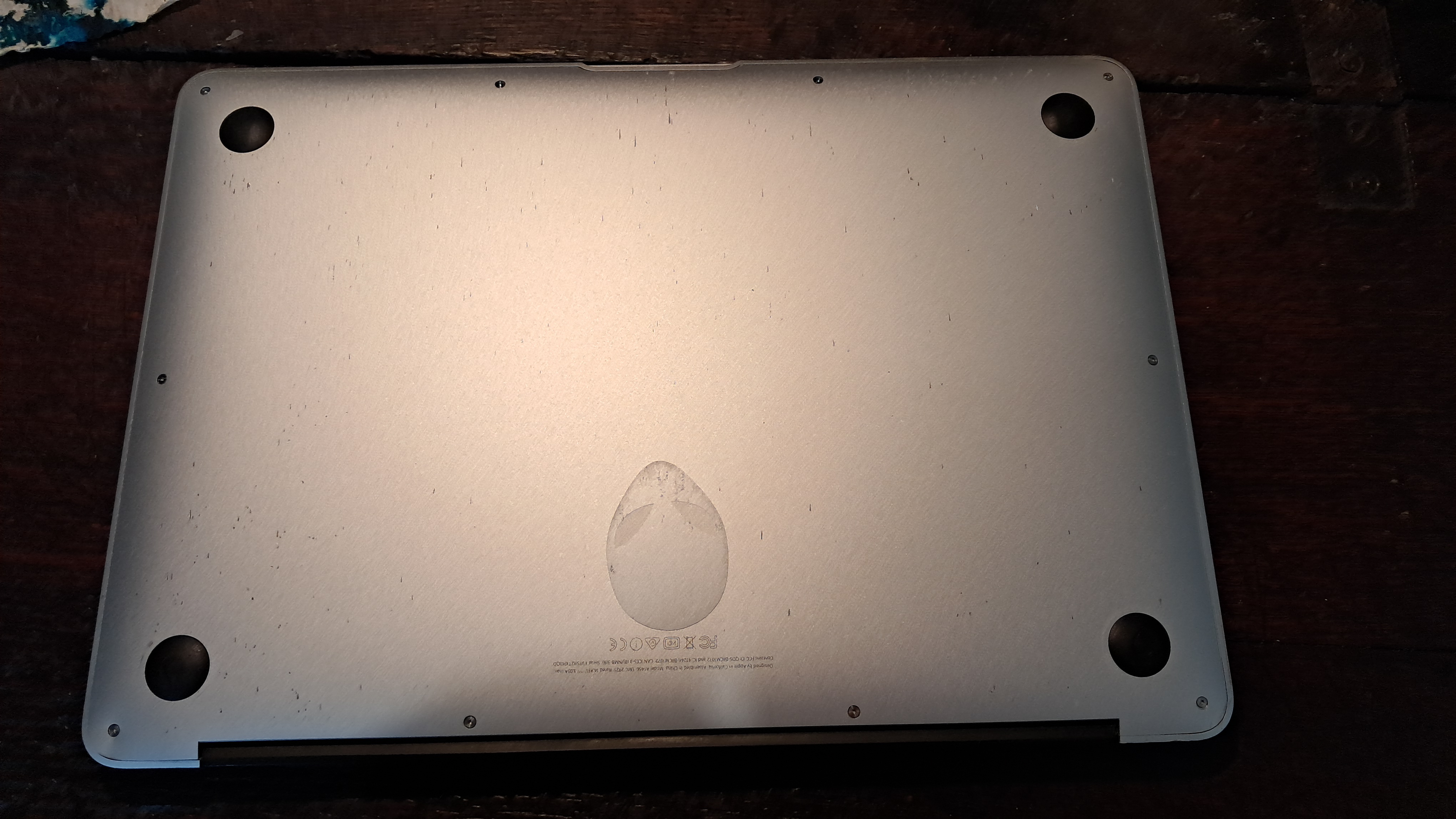
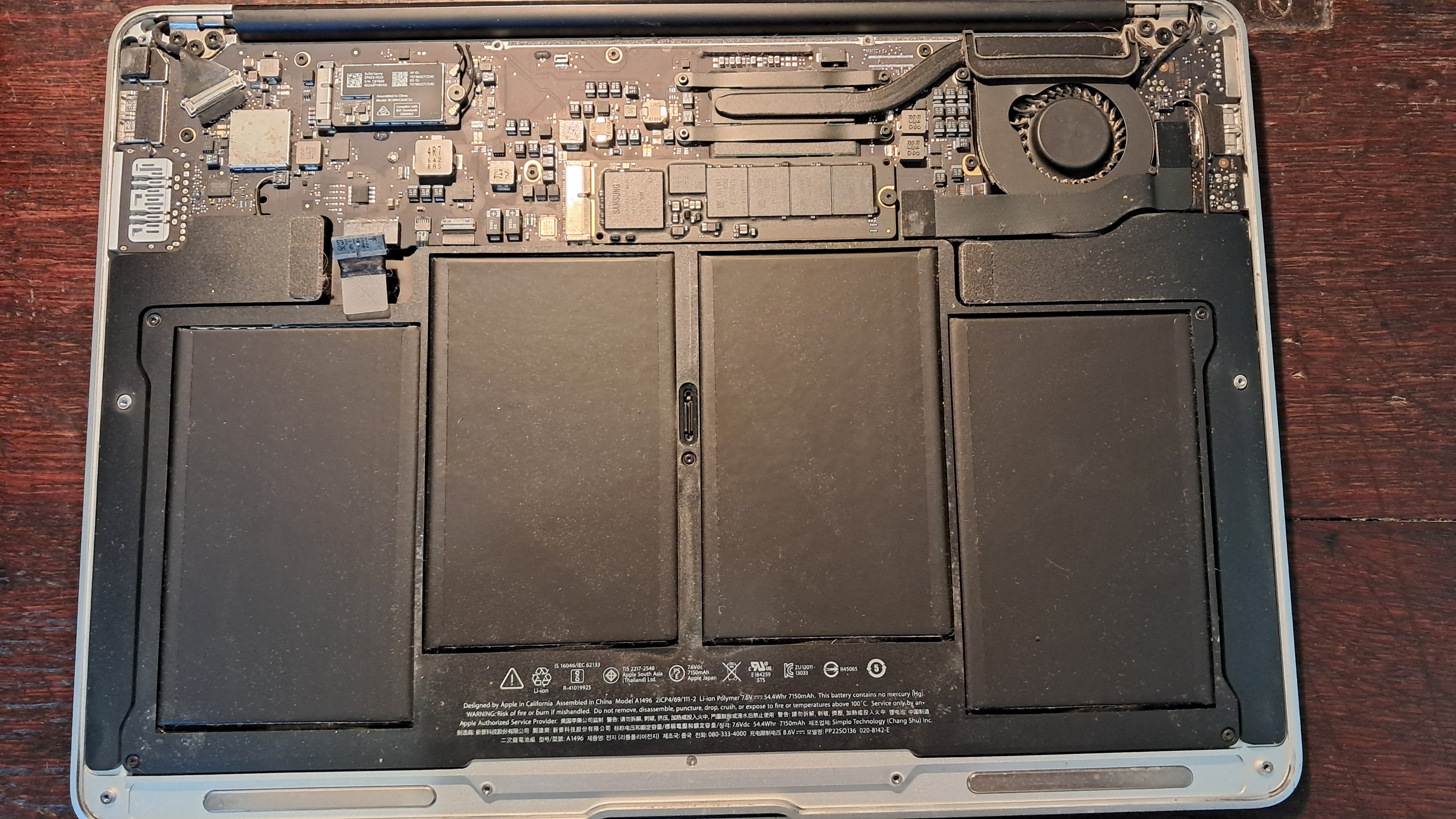
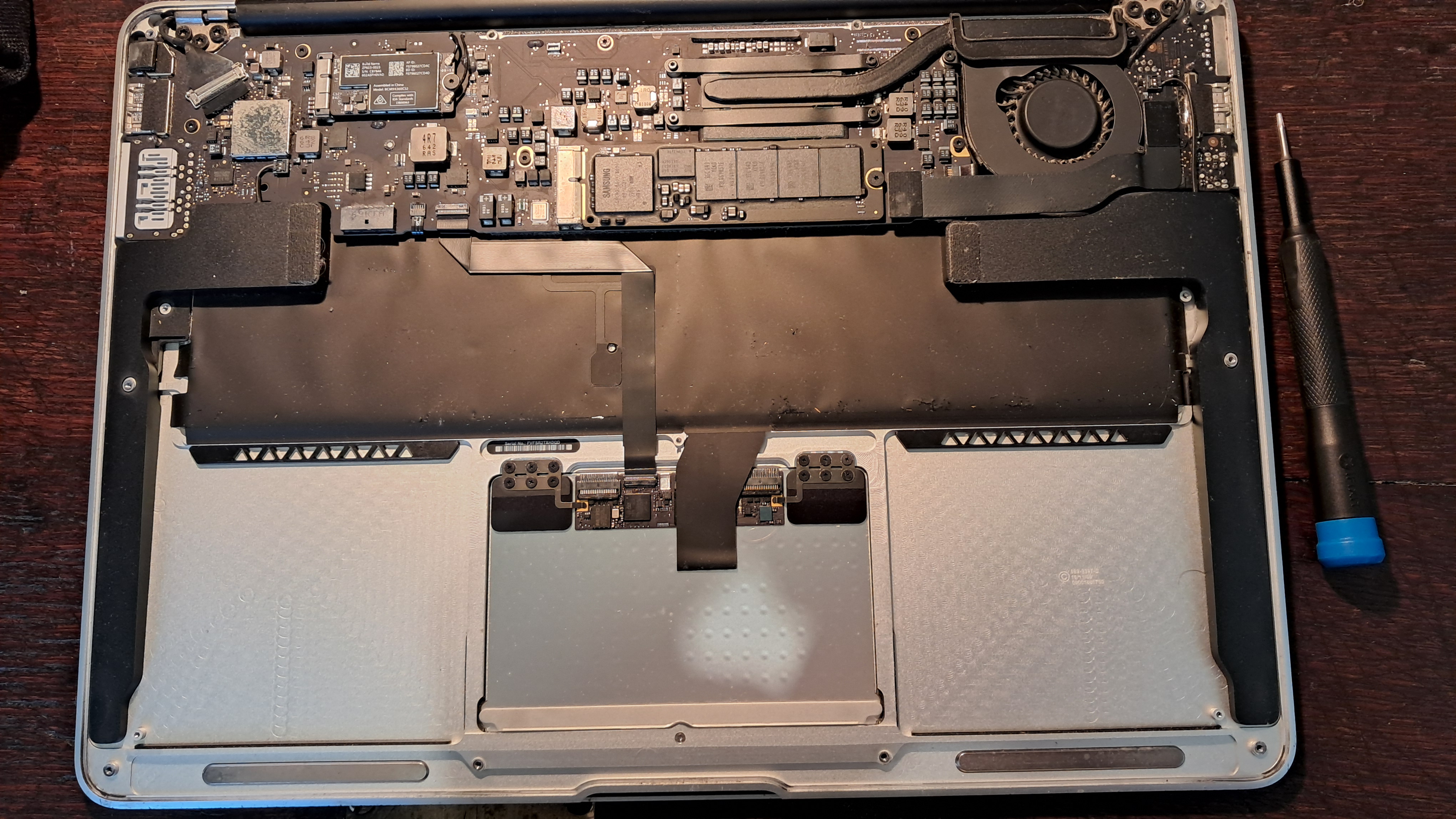
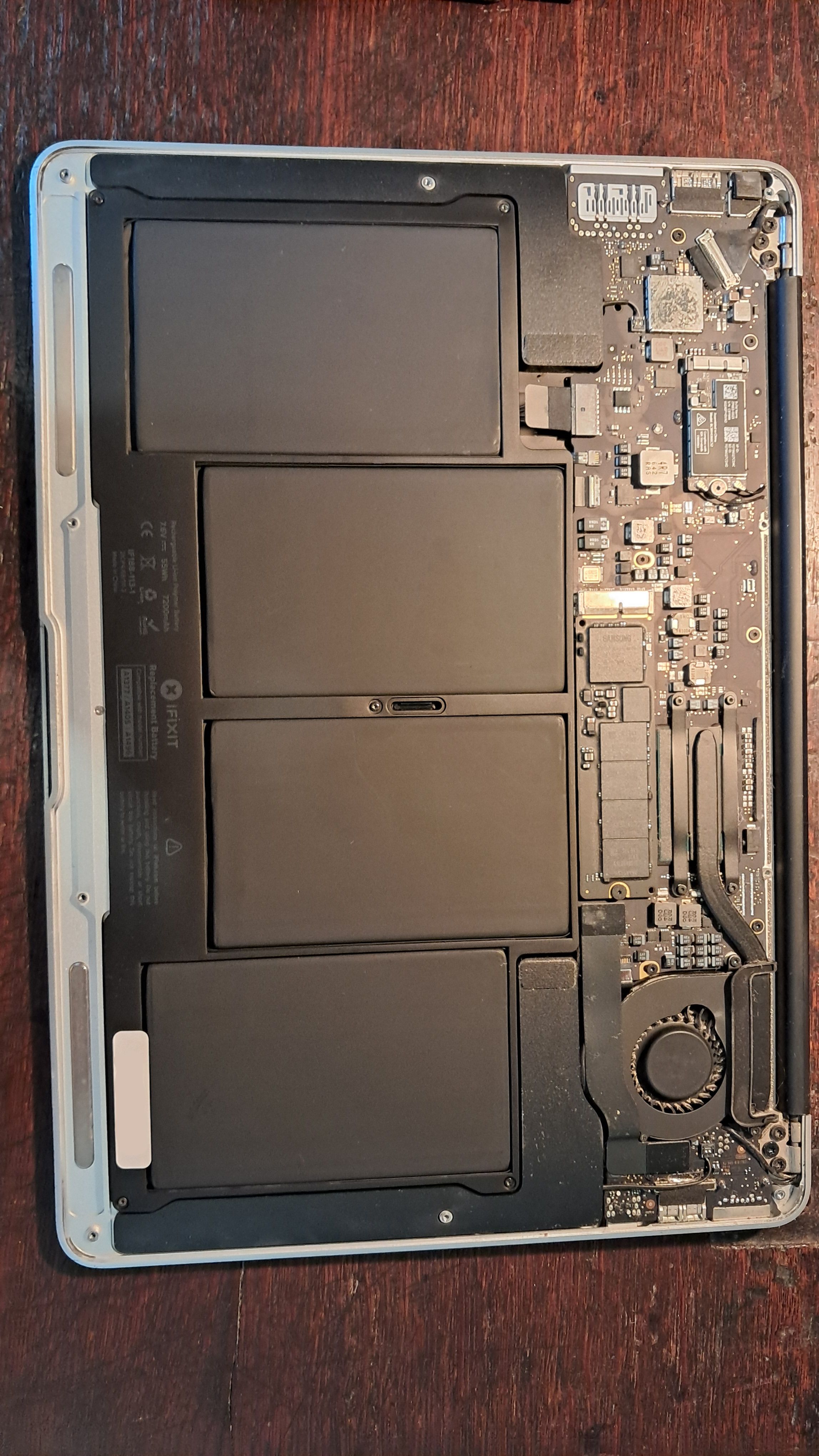
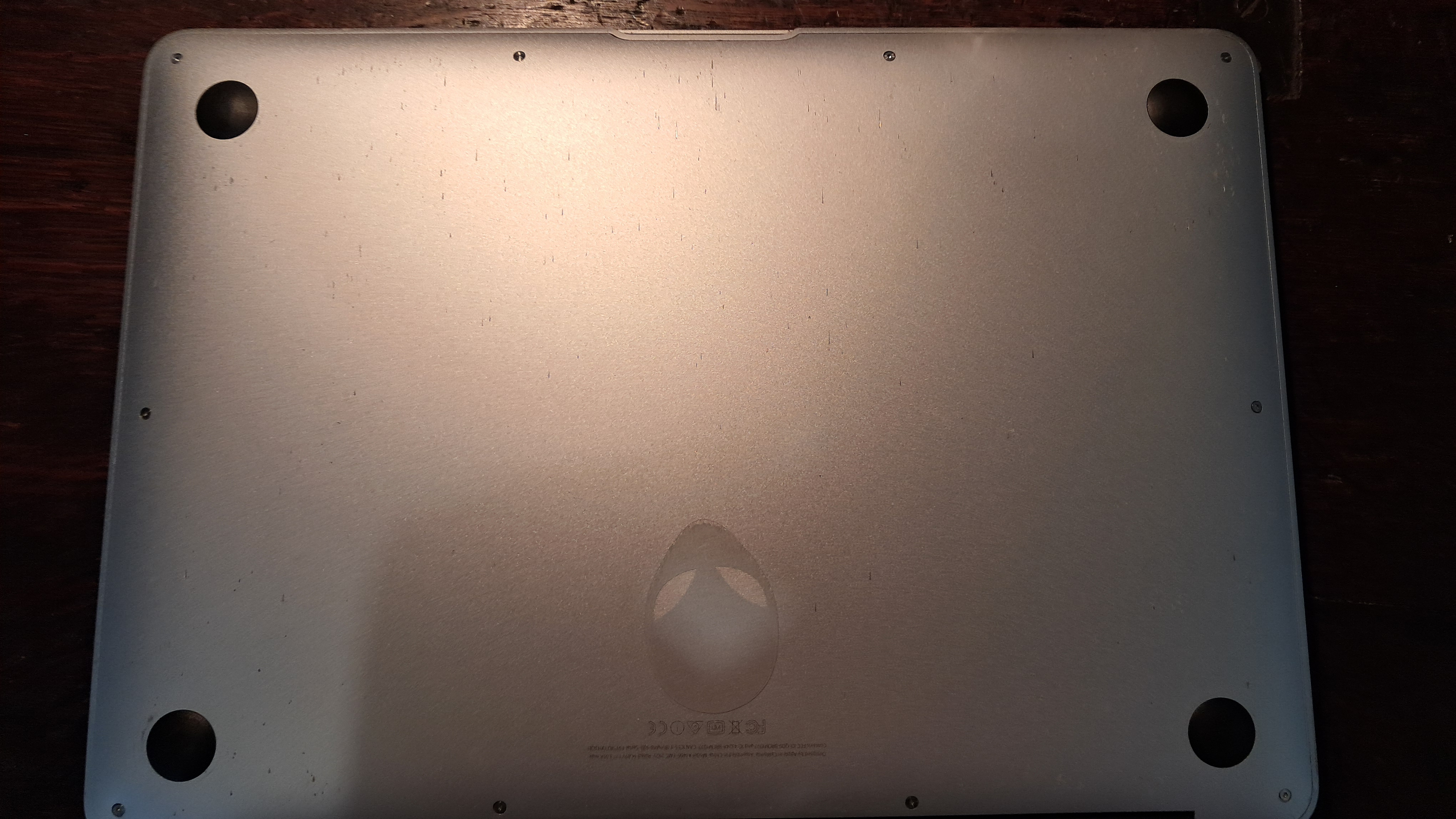
Replacing the battery was surprisingly trivial, I just needed to unscrew the back and the old battery then re-screw the new battery and the back.
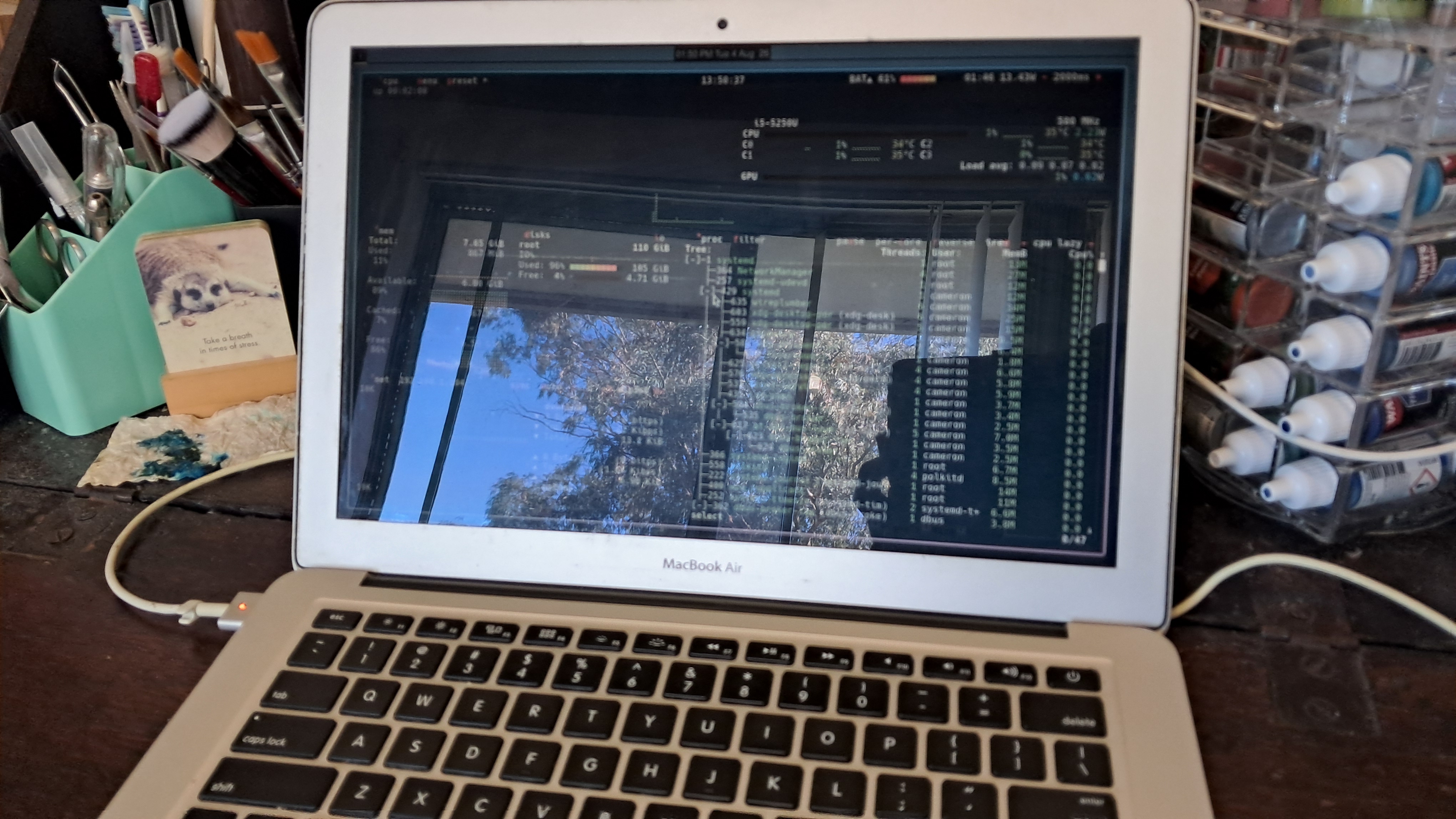
I hadn’t added a battery indicator to my operating system bar, since it was pointless as the old battery couldn’t hold a charge any more. Once again I am impressed with Quickshell, as it makes it quite easy to create a fully custom graphical shell. See how easy it is to add a battery indicator, below. You can see my previous post on Quickshell for more details.
import QtQuick
import Quickshell.Services.UPower
Rectangle {
color: ""
height: 30
width: text.contentWidth > 0 ? text.contentWidth + 8 : 0
Text {
id: text
anchors.centerIn: parent
font.pixelSize: 16
function getBatteryIcon(level_step: real, charging = false): string {
if (charging) {
if (level_step === 0) { return ""; }
if (level_step === 10) { return ""; }
if (level_step === 20) { return ""; }
if (level_step === 30) { return ""; }
if (level_step === 40) { return ""; }
if (level_step === 50) { return ""; }
if (level_step === 60) { return ""; }
if (level_step === 70) { return ""; }
if (level_step === 80) { return ""; }
if (level_step >= 90) { return ""; }
}
if (level_step === 0) { return ""; }
if (level_step === 10) { return ""; }
if (level_step === 20) { return ""; }
if (level_step === 30) { return ""; }
if (level_step === 40) { return ""; }
if (level_step === 50) { return ""; }
if (level_step === 60) { return ""; }
if (level_step === 70) { return ""; }
if (level_step === 80) { return ""; }
if (level_step >= 90) { return ""; }
return "";
}
text: {
if (!UPower.displayDevice.isLaptopBattery) {
return "";
}
let level_step = Math.floor(UPower.displayDevice.percentage * 10) * 10;
let level = Math.floor(UPower.displayDevice.percentage * 100);
let charging = [UPowerDeviceState.Charging, UPowerDeviceState.FullyCharged, UPowerDeviceState.PendingCharge].includes(UPower.displayDevice.state);
return getBatteryIcon(level_step, charging) + " " + level;
}
color: !UPower.onBattery || UPower.displayDevice.percentage > 0.2 ? "" : ""
}
}
I wanted to be able to set the maximum charge of the battery to increase its longevity. The current applesmc driver does not support this but I found applesmc-next by c— which advertised setting this. However the module has not been updated for Linux 7 and crashes on the latest kernel, which I found out the hard way. After instead installing patch #15 it worked.
Now my laptop is once again ready for use, and for a fraction of the cost of a new machine. I hope that I can use it for many more years to come.