
Quickshell
I find enjoyment in customising the graphical shell when I use Linux. This has lead me to different technologies and many rewrites of my shell, each getting more custom and polished than the last. I started with Polybar – a classic, then Eww – which proved the market for highly customisable shells, then Ironbar – to tide me over the wayland changes, then a go at building something from scratch – MCW, now currently I’m on Quickshell.
Quickshell is a Qt based toolkit for making desktop shells for Wayland developed by outfoxxed. You use QML to define the graphical shell. Here’s a quick example of my bar written QML:
import QtQuick
import Quickshell

Scope {
  Variants {
    model: Quickshell.screens

    PanelWindow {
      property var modelData
      screen: modelData

      anchors {
        top: true
        left: true
        right: true
      }
      aboveWindows: false

      implicitHeight: 30

      color: "#00000000"

      Rectangle {
        height: 3
        width: parent.width
        anchors.bottom: parent.bottom
        color: ""
      }

      Workspaces {
        anchors.left: parent.left
      }

      ClockWidget {
        anchors.horizontalCenter: parent.horizontalCenter
      }

      Tray {
        id: tray
        anchors.right: parent.right
      }
      Mpris {
        anchors.right: tray.left
      }
    }
  }
}
As you can see it is a clear and concise way of defining a GUI. I like how each object is defined in a hierarchical order and properties of each object can be referenced cleanly. It isn’t perfect though, for example the inbuilt scripting uses a feature lacking and non-complaint implementation of JavaScript – an already bottom of the barrel language.
Shell Components
I try to achieve a clean and simple graphical shell only with information that I need to access regally but with plenty of animations to add juice. If you are interested at looking at the QML it is currently located in my dotfiles repo.
Bar

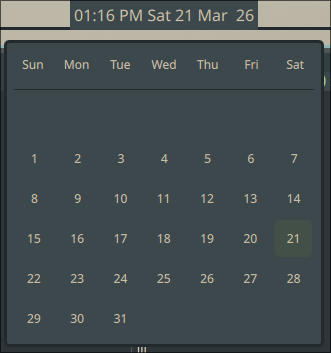
As you can see this bar looks quite similar to how Ironbar can look. Even though I could get Ironbar to nearly what I wanted, I feel was is well worth investing time into writing it again in Quickshell.
Compared to doing everything myself from scratch, being able to use existing components makes Quickshell relatively quick to set up. For example in my bar I used: Workspaces, Mpris and System Tray and got a bar working in a few hours whilst these three things took weeks to achieve when I was trying to do everything from scratch.
Launcher
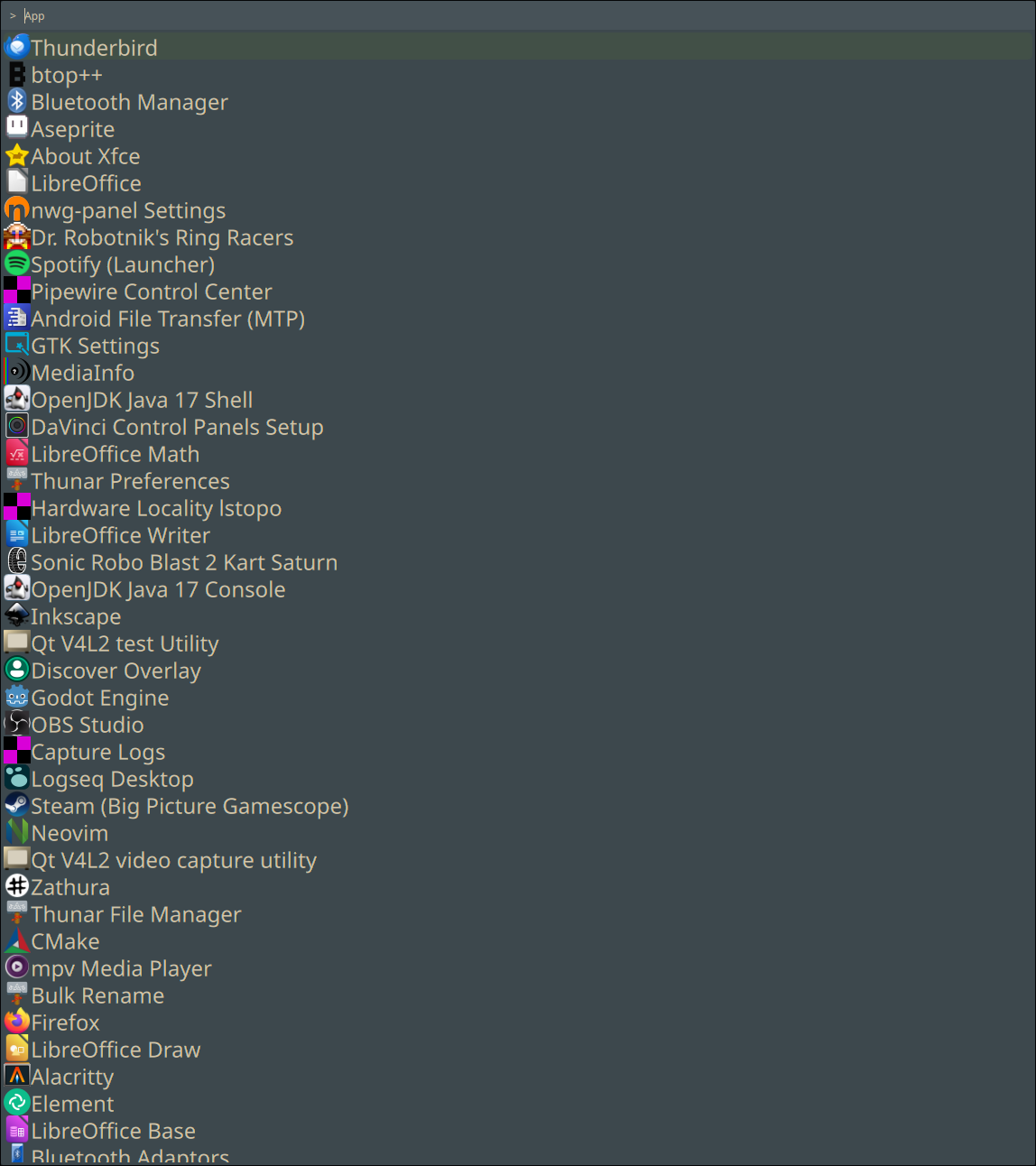
My launcher is the standard Wofi style of fuzzy search drop down. The only real reason I decided to write this in Quickshell is to make sure all my shell components have a similar visual style.
Instead of implementing a fuzzy finding algorithm in JavaScript I created a Patch that implemented it in C++ instead.
Notification Window
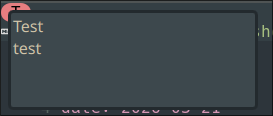
A Dunst clone for same reasons as above.
Logout
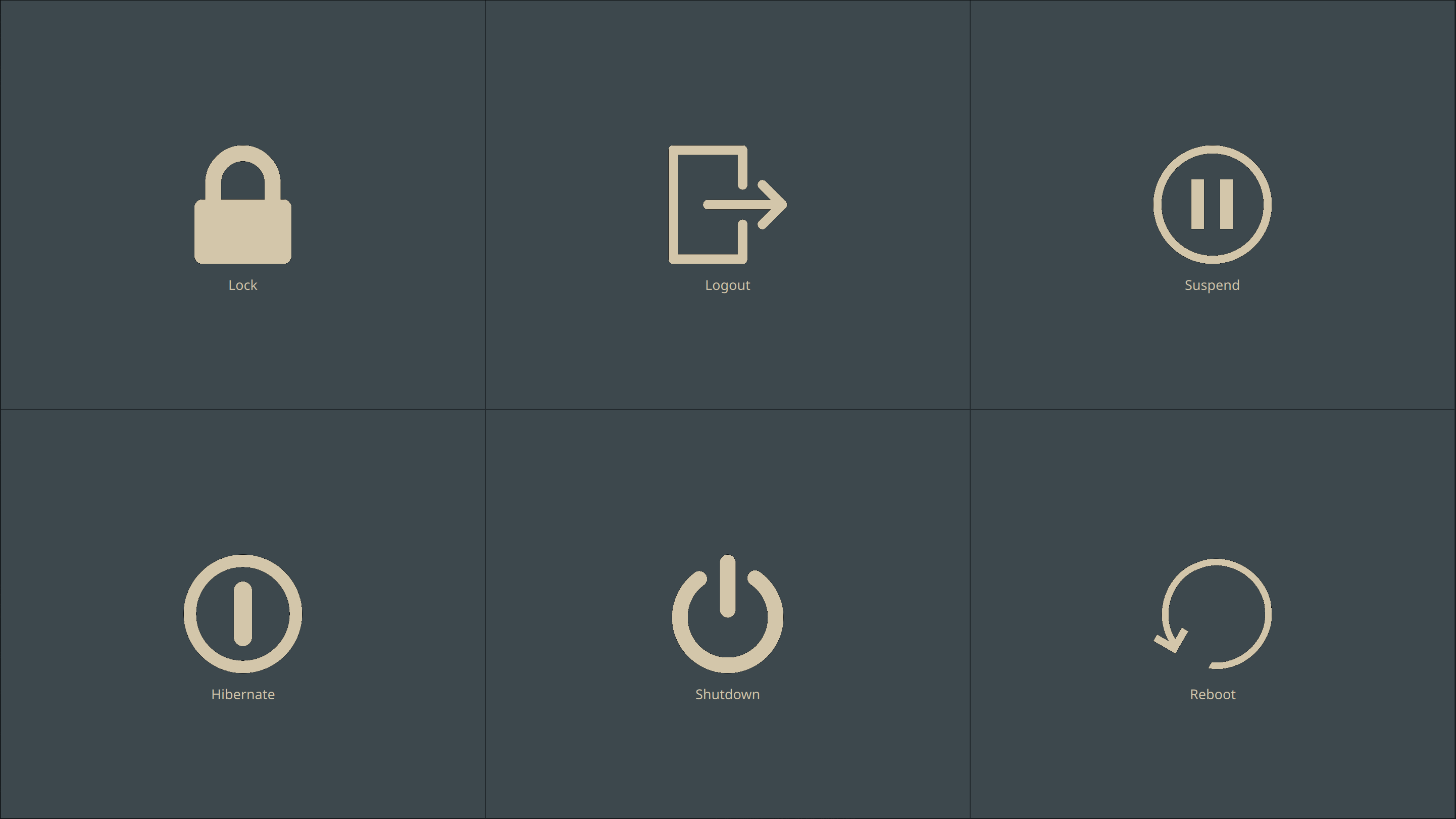
A copy of the outfoxxed’s example.
On Screen Display

A copy of the outfoxxed’s example.
A Failed Emoji Picker
I tried to make a Emoji picker like the one found in windows in this PR. To achieve this I tried to utilize the Input Method Wayland protocol. However I came against some problems as described by DorotaC in State of input method. I don’t have any ideas on how to fix these issues nor do I want to enter the maelstrom that is the Wayland protocol discussions, so this patch has unfortunately been put on hold – possibly indefinitely.
Conclusion
Currently I think that Quickshell is the best toolkit for creating custom graphical shells. The space is always evolving and there may be an even better toolkit in the future. What a joy it is to be a part of this community.